Ask Deeper Questions
DeepDive lets you prompt deepSound for more information about the song you are playing. Ask who played on it, where it was recorded, who produced it, what shaped the arrangement, or why a track became important.
Each answer stays connected to the current song, using source-aware research to bring back credits, personnel, recording context, release history, influences, and details that are easy to miss when you only see the track title.
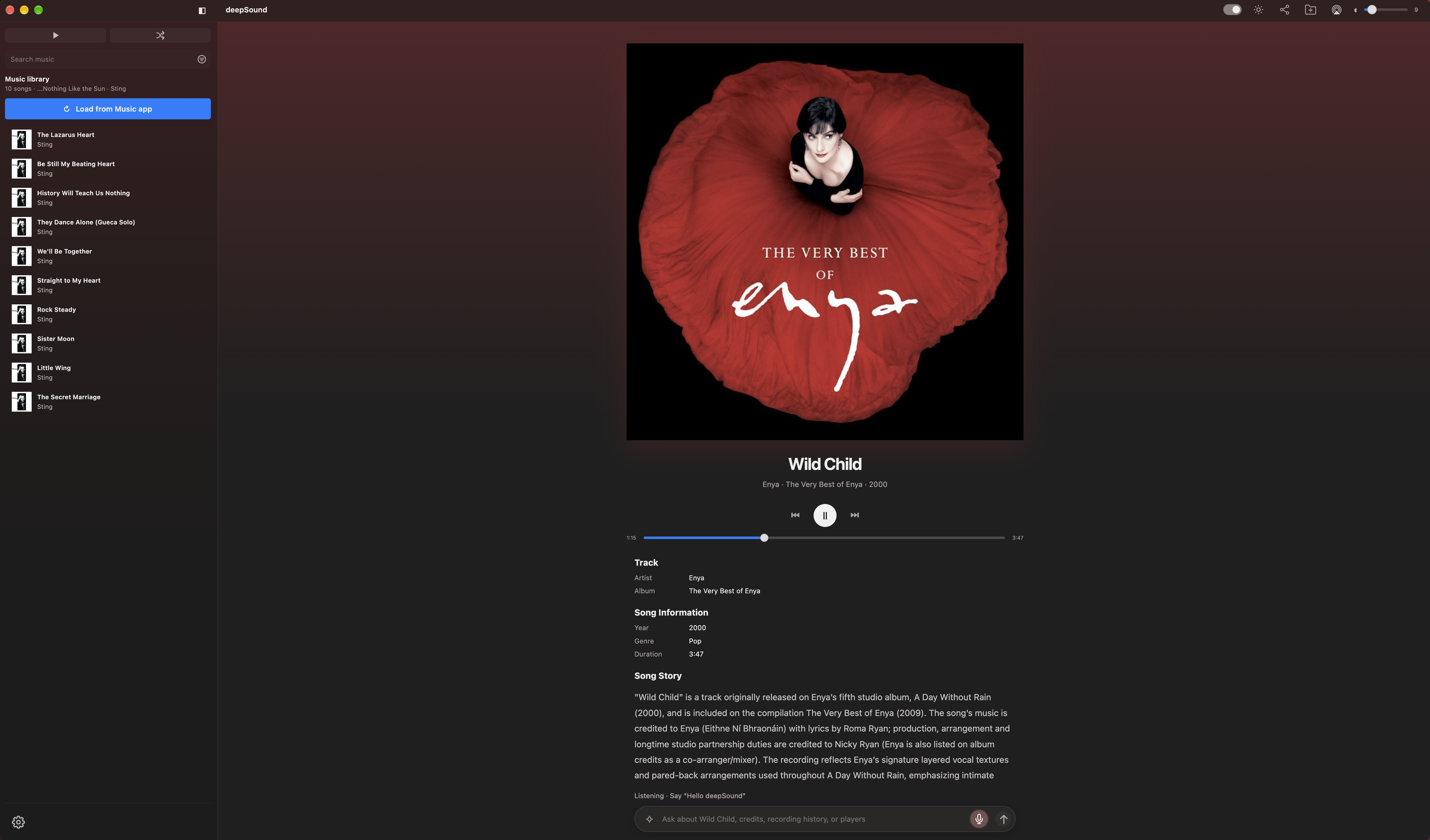
Song Story
Let the story unfold as you listen. Turn on AI generation and deepSound automatically researches the song playing, bringing you its background, songwriting and production credits, recording history, and details worth hearing.
Explore
Go beyond the answer. Discover musician details, images, and related performances and interviews in a structured DeepDive response. Play a discovered video and deepSound pauses Music so you can focus on one thing at a time.
“Hello deepSound”
Ask about the song without reaching for the keyboard. With AI generation on, local wake detection listens for “Hello deepSound.” Ask who played bass, learn about the recording, or control Music with requests like “Play Prince,” “Next track,” and “Reduce volume.”
DeepDive, When You Want It
Turn AI generation on to get automatic Song Stories, ask questions, and use voice. Turn it off to enjoy your music without spending AI credits. Listening for “Hello deepSound” uses no credits; credits apply when an AI voice session starts.
Share Your Discoveries
Pass along the story behind a song. Share a response with its album artwork and a link to open the song in Music, all from the toolbar.
Import Songs from Music App
Bring your Music library into deepSound with Load from Music app. Browse your songs by artist, album, or playlist, control playback, and discover the stories behind the music you already love.
Dark and Light Mode
Choose the look that suits your listening. Switch between dark and light mode from the toolbar, with album artwork, song stories, and playback controls designed for both.
Make It Yours
Find music by artist, album, recently played songs, or playlist, and add songs from your own audio files to your Music library.